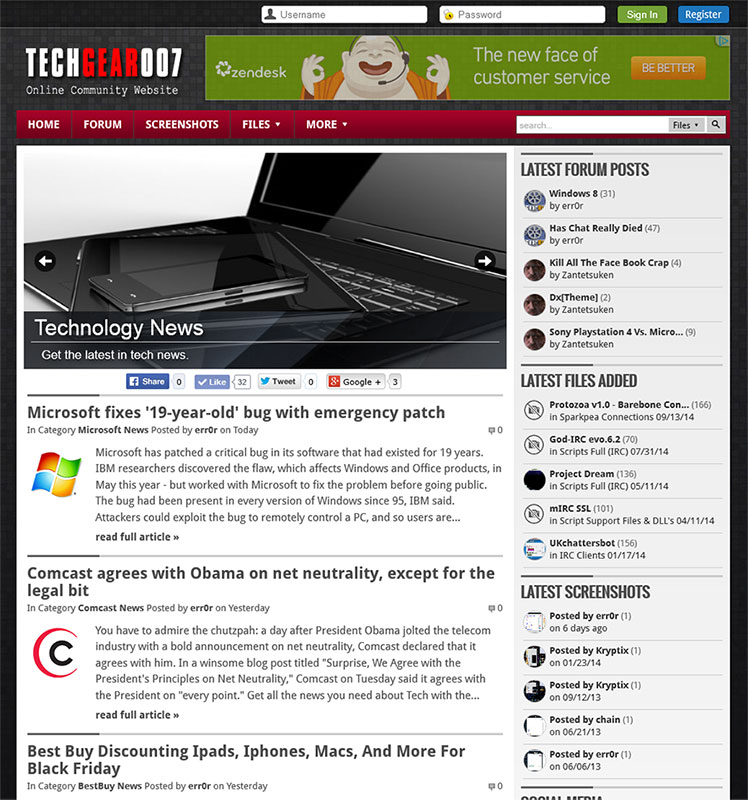
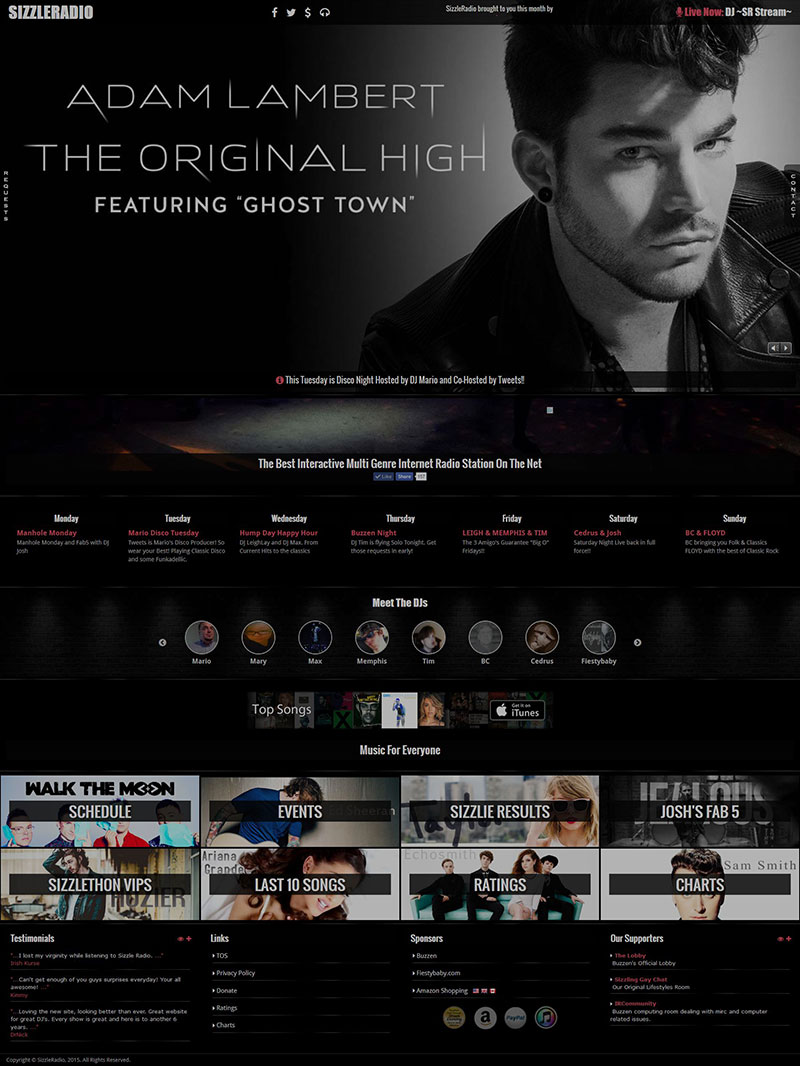
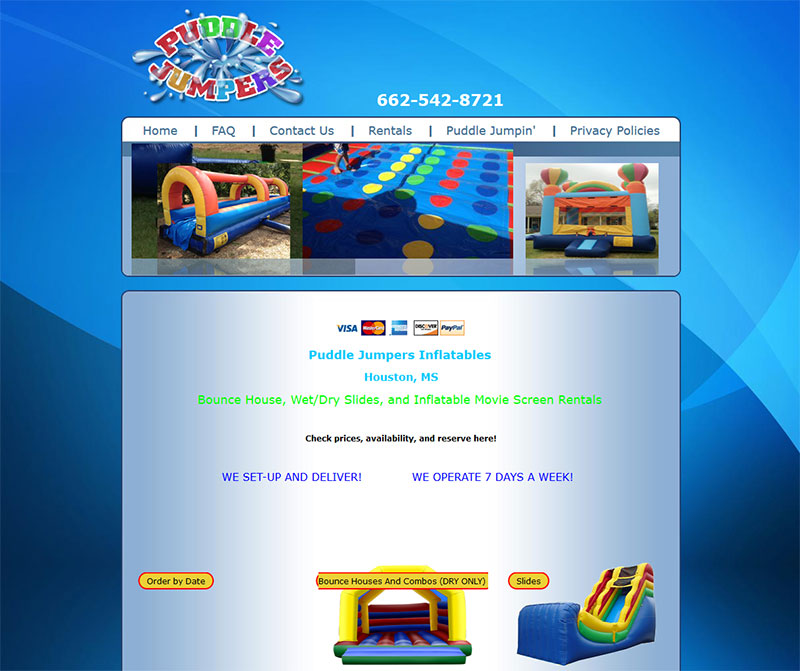
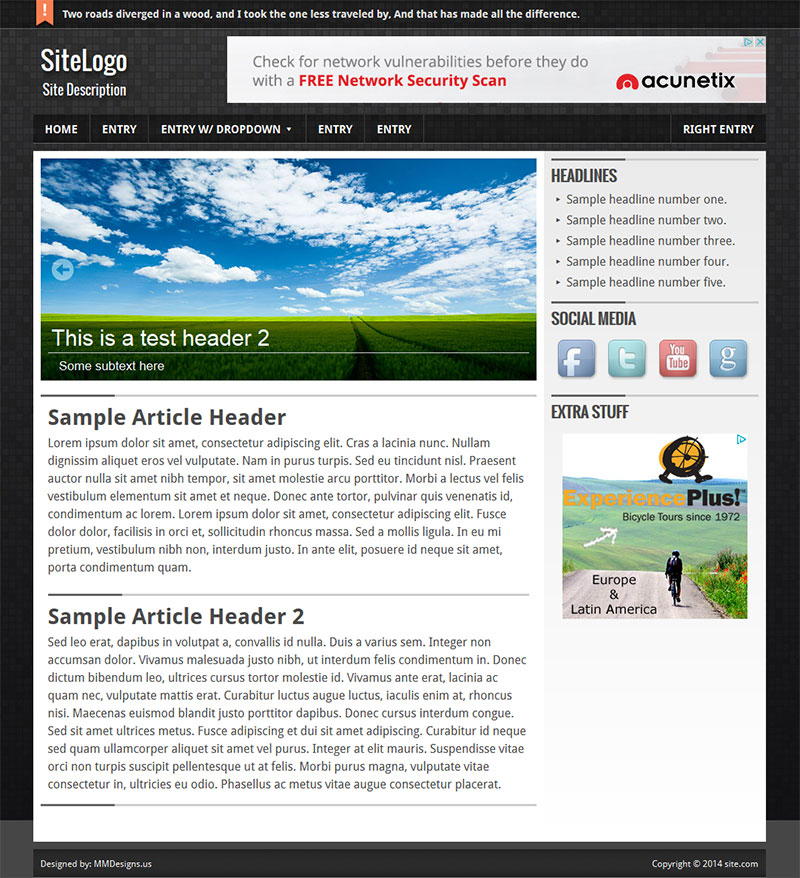
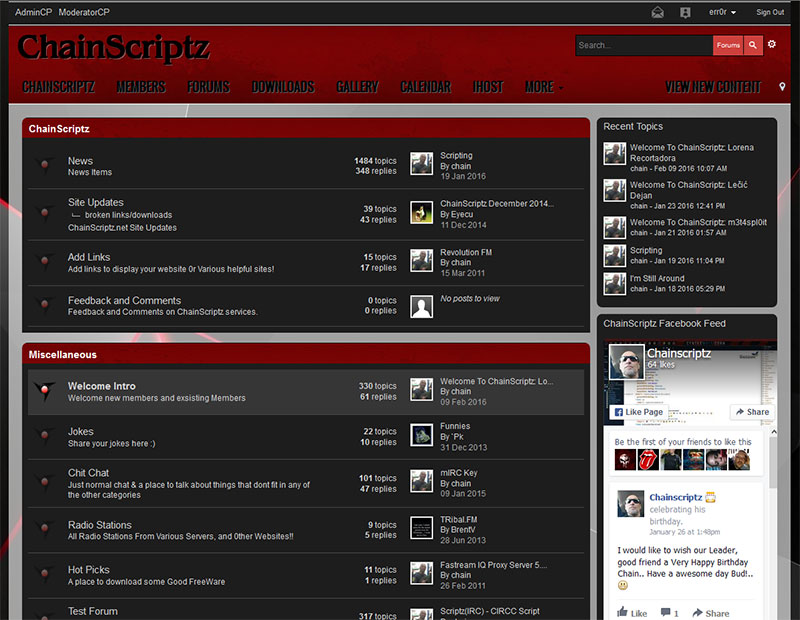
Techdesigns007.com has started a phpbb3 portal project. You can view our progress at
http://www.techdesigns007.com/phpbb3/
This is a stand-alone portal. No installation required. There will be no edits to the actual phpbb3 files needed. This will ensure that you will not have a lot of extra work when you update your phpbb forum software. A few edits in the main portal file to select which forum you want to pull the main news from is all that is required. Interested parties should contact us through our
contact form.
Wordpress has finally released version 2.7 nicknamed Coltrane. It has a completely refreshed control panel. Check out the video for more information.
OurArtworks.com is a project for a group of disabled artists wishing to have their works and information expressed online. We provided them with a layout that reflects their personality and goals. You can view the site by visting the following link:
www.ourartworks.com
We cleaned up a few small errors on the site to once again ensure we are 100% XHTML 1.0 Strict compliant. We try to ensure all of our releases meet the high standards of valid coding. There are times when we do stray and have an error showing here or there. I personally feel that using sites like W3C to check for valid code is more of a guideline than code law. Usually we can work around a error when needed. There are a few inherent pitfalls when designing websites. One is accounting for screen resolutions. Many users are still using 800×600 screen resolution which can create problems for designers. Now that broadband is much more widespread and lcd widescreen monitors are getting less costly, designers are putting more and more on a site. More information as well as graphics. Then you have to deal with the differences in the major browsers. What works in one may not always work in another. You constantly have to check a site in different browser situations. Sticking to valid code standards lessens the likelihood that you will have to redo coding for different browsers, but as with anything there are many exceptions to the rule.
I have been testing various forum software for possible use with the site. I am most comfortable with Invision Power Boards but have used others in the past including
phpBB and
SMF. I wanted something a little less comprehensive for use with wordpress as many of my customers use a wordpress based backend. I stumbled across
Simple:Press Forum in my search. It installs very easily and fits most every need I would have. As of this post I have not fully tested all the features and at this point am unsure whether a forum is really needed for this site. I will post a more detailed account of my time spent using this forum. For all you wordpress users interested in a quick and easy but feature packed forum then you should give
Simple:Press Forum a try.
This is another one of our older designs that we have tweaked just a bit and decided to re-release. It’s a simple green and orange based design. Please give us a link back if you decide to use it.
You can see the layout in action by clicking
HERE.
View Screenshot by clicking the image below:
GreenMonster (174.0 KiB, 646 hits)
The must anticipated wordpress version 2.5 has been released today. This release has been in production for six months. It includes a new look dashboard and gallery. You can get the new version 2.5 by clicking
HERE. You can also check to see if your plugins have gone through the compatibility test by checking
HERE. We had no trouble upgrading to this version but as always you should backup your database and site files before you upgrade.
Note: This upgrade does make changes to the database.
Works on versions older than 2.5. Due to a recent change in the way wordpress handles login cookies, many sidebar login forms no longer work properly. You will receive a “browser blocked cookie” error and the page will direct you to the wordpress default login screen. Thanks to
clevermonkey, a fix has been suggested. You can check the comment #41 on
this page for his original post. Basically what clevermonkey suggests is to edit the wp-login.php file located in the root of your wordpress location. Open it up in your favorite text editor ( suggestion
PowerEdit ) and look around line #315. You should see this line:
if ( $_POST && empty($_COOKIE[TEST_COOKIE
]) )
Replace that line with this code:
// if ( $_POST && empty($_COOKIE[TEST_COOKIE]) )
if ( $_POST && (sizeof($_COOKIE)==0))
That should fix your problems with cookies when logging in.
*Remember: each time you upgrade wordpress you will most likely have to re-do this edit.